Showing posts with label rails. Show all posts

Tuesday, December 1, 2015

Automate creating vhost and installing new rails project


A programmer must learn to automate mundane and iterative tasks to save time. Many technical and non technical people have understood the true power that can be achieved by automation.

I create personal vhosts for each different project, so I had certain tasks to follow every time when I would encounter something like this. Some months ago I wrote a ruby script that does all this. It reads the content of your vhost file in /etc/vhosts and creates a vhost and new rails project for each of those domain.

Link to Alchi_vhost

Thursday, November 26, 2015

Why I moved from capistrano to mina to deploy my app?


To be honest, I have just started to use deployment tools because doing the same thing over and over again was getting very tedious for me. I first started with capistrano and it was good I guess.

Why I prefer Mina over Capistrano?

While Capistrano is a really really great tool , it is terribly slow. Since time is money for every one of us, I wanted a tool that would not be so painfully slow and easy to use, you know , that get shits done. Then I met Mina and instantly fell in love with it when I browsed its homepage and read its slogan "Really fast deployer  and server automation tool" .

Before I was using any deployment tools I was manually ssh`ing into my server and then cloning the repo from the git then running bundle install , rake db:migrate and a lot of stuffs that is not very interesting to do repeatedly. If I had pushed any new updates to the repo I would have to ssh into the server and do the same thing which is time consuming as well as not very productive. So I highly reckon anyone who is not using deployment tools to use it and feel its power. But remember Great power comes with Great responsibility. :)

It is dead simple to get started with Mina. All you have to do is add a gem run the bundler, create a deploy.rb file , fill the right info in it and running mina deploy. The best part is you can write rake tasks in deploy.rb.

Either run gem install mina or add mina gem in your gemfile.
Run bundle install if you chose the later option.
run mina init in your working directory
Here is my deploy.rb file
require 'mina/bundler'
require 'mina/rails'
require 'mina/git'

# Basic settings:
#   domain       - The hostname to SSH to.
#   deploy_to    - Path to deploy into.
#   repository   - Git repo to clone from. (needed by mina/git)
#   branch       - Branch name to deploy. (needed by mina/git)

set :user, 'ubuntu'
set :domain, 'www.fuitter.com'
set :deploy_to, '/usr/share/nginx/html/fuitter'
set :repository, 'git@bitbucket.org:mc_cannibal/fuitter2.git'
set :branch, 'master'
set :forward_agent, true

# Manually create these paths in shared/ (eg: shared/config/database.yml) in your server.
# They will be linked in the 'deploy:link_shared_paths' step.
set :shared_paths, ['config/database.yml', 'config/secrets.yml', 'log']

# Optional settings:
#   set :user, 'foobar'    # Username in the server to SSH to.
#   set :port, '30000'     # SSH port number.
#   set :forward_agent, true     # SSH forward_agent.

# This task is the environment that is loaded for most commands, such as
# `mina deploy` or `mina rake`.
task :environment do
  ruby_version = File.read('.ruby-version').strip
  raise "Couldn't determine Ruby version: Do you have a file .ruby-version in your project root?" if ruby_version.empty?
 queue %{
   source /home/ubuntu/.rvm/bin/rvm
   rvm use #{ruby_version} || exit 1
 }
end

task :setup => :environment do
  queue! %[mkdir -p "#{deploy_to}/#{shared_path}/log"]
  queue! %[chmod g+rx,u+rwx "#{deploy_to}/#{shared_path}/log"]

  queue! %[mkdir -p "#{deploy_to}/#{shared_path}/config"]

  # Add the repository server to .ssh/known_hosts
  if repository
    repo_host = repository.split(%r{@|://}).last.split(%r{:|\/}).first
    repo_port = /:([0-9]+)/.match(repository) && /:([0-9]+)/.match(repository)[1] || '22'

    queue! %[
      if ! ssh-keygen -H  -F #{repo_host} &>/dev/null; then
        ssh-keyscan -t rsa -p #{repo_port} -H #{repo_host} >> ~/.ssh/known_hosts
      fi
    ]
  end

  # Create database.yml for Postgres if it doesn't exist
  path_database_yml = "#{deploy_to}/#{shared_path}/config/database.yml"
  database_yml = %[production:
  database: fuitter
  adapter: postgresql
  pool: 5
  timeout: 5000]
  queue! %[ test -e #{path_database_yml} || echo "#{database_yml}" > #{path_database_yml} ]

  # Create secrets.yml if it doesn't exist
  path_secrets_yml = "#{deploy_to}/#{shared_path}/config/secrets.yml"
  secret =
  secrets_yml = %[production:
  secret_key_base:
    #{`rake secret`.strip}]
  queue! %[ test -e #{path_secrets_yml} || echo "#{secrets_yml}" > #{path_secrets_yml} ]

  queue! %[chmod g+rx,u+rwx,o-rwx "#{deploy_to}/#{shared_path}/config"]

end

desc "Deploys the current version to the server."
task :deploy => :environment do
  to :before_hook do
    # Put things to run locally before ssh
  end
  deploy do
    # Put things that will set up an empty directory into a fully set-up
    # instance of your project.
    invoke :'git:clone'
    invoke :'deploy:link_shared_paths'
    invoke :'bundle:install'
    invoke :'rails:db_migrate'
    invoke :'rails:assets_precompile'
    invoke :'deploy:cleanup'

    to :launch do
      # queue "mkdir -p #{deploy_to}/#{current_path}/tmp/"
      # queue "service #{user} restart"
    end
  end
end

# For help in making your deploy script, see the Mina documentation:
#
#  - http://nadarei.co/mina
#  - http://nadarei.co/mina/tasks
#  - http://nadarei.co/mina/settings
#  - http://nadarei.co/mina/helpers

then run mina setup and finally mina deploy.
That is all there is to it.

Thursday, October 29, 2015

How maggie worn me out ?


Maggie is a facebook app, that lets you add filter with your name and change your profile picture. I would not have bothered building an app that was already built by many talented developers out there. But we offered something different than the rest of those apps. A friend of mine proposed that we add the name of the user in the image because it would make our app a little different than what is out there. I loved the idea. Another friend of mine told me to finish this app as soon as possible, 24 hrs, urgent. When a programmers hear the word "URGENT", they loose control and screw things up. I am no different than them.

I started developing the app, while the login with facebook and getting the logged in users data was finished in a matter of minutes , the main problem was merging the user`s image with the overlay and to make it even worse adding text to the image with a different font style.

Day 1

Finished login the user using fb, getting users data, adding users to database. Then I had to merge those images, so I tried couple of different techniques. The first was using the user`s image as a background and the overlay image in the img tag. But that was a noob mistake. Then I tried canvas. It worked but since I needed to download the image to send it to the graph api, I could not convert the base64 into the real image. So I had to drop that and go with rmagick. After a couple of hours of hair pulling, what seemed impossible was done. So the next step was to add post to facebook and make it profile picture. After a while of googling, it was also solved. Seriously, why do not we call programming, stackoverflowing and we are the stackoverflow bots that rely on the very first result we get on stackoverlfow without even understaing the problem or the system we are working on.

Day2

As my friend wanted, text on the image, I had no idea how to do that. But why fear when stackoverflow is there? Some one already had the problem I had and it was solved too. Ctrl c+ v, god I need to change this habit.  Text was added , fonts was working perfect until , until I had to push it to production. Then it was just hell.  Fonts were not working as excepted. This time no google or no stackoverflow could help me but I was very determined. So I wrote a simple ruby script with the same image manipulation code and ran it and surprisingly it worked. Then I tried it on my rails app but it did not work. I had to google the whole night.

Day3

It was raining, cold and the right excuse to cancel my morning walk. Got my laptop and started working on it again from 6 am. Little did I knew, it was already 10 am and still I had no luck plus I forgot to take my medications. Is that determination?? haha I hope so. Then I made the rails app to execute the ruby script I wrote to manipulate image but again it did not worked. I still have no idea why? Why was it not working? I finally gave up and settled for the default font. Now even though there are some problems with the app , I feel like I have accomplished something that I thought I was incapable to develop.

There is something I have learned though.
If a certain tool that you are using, does not make your life easier, then stop using it.
Brace yourself while pushing the code to production mode and pray to Buddha (God).
Never push security keys to VC`s.
Premature optimization can be hell.
First get the functionality that your app depends upon then work on the rest.
TDD development is for those who have still plenty of time left to code.

Saturday, October 24, 2015

Why I would avoid materializecss for my next app?


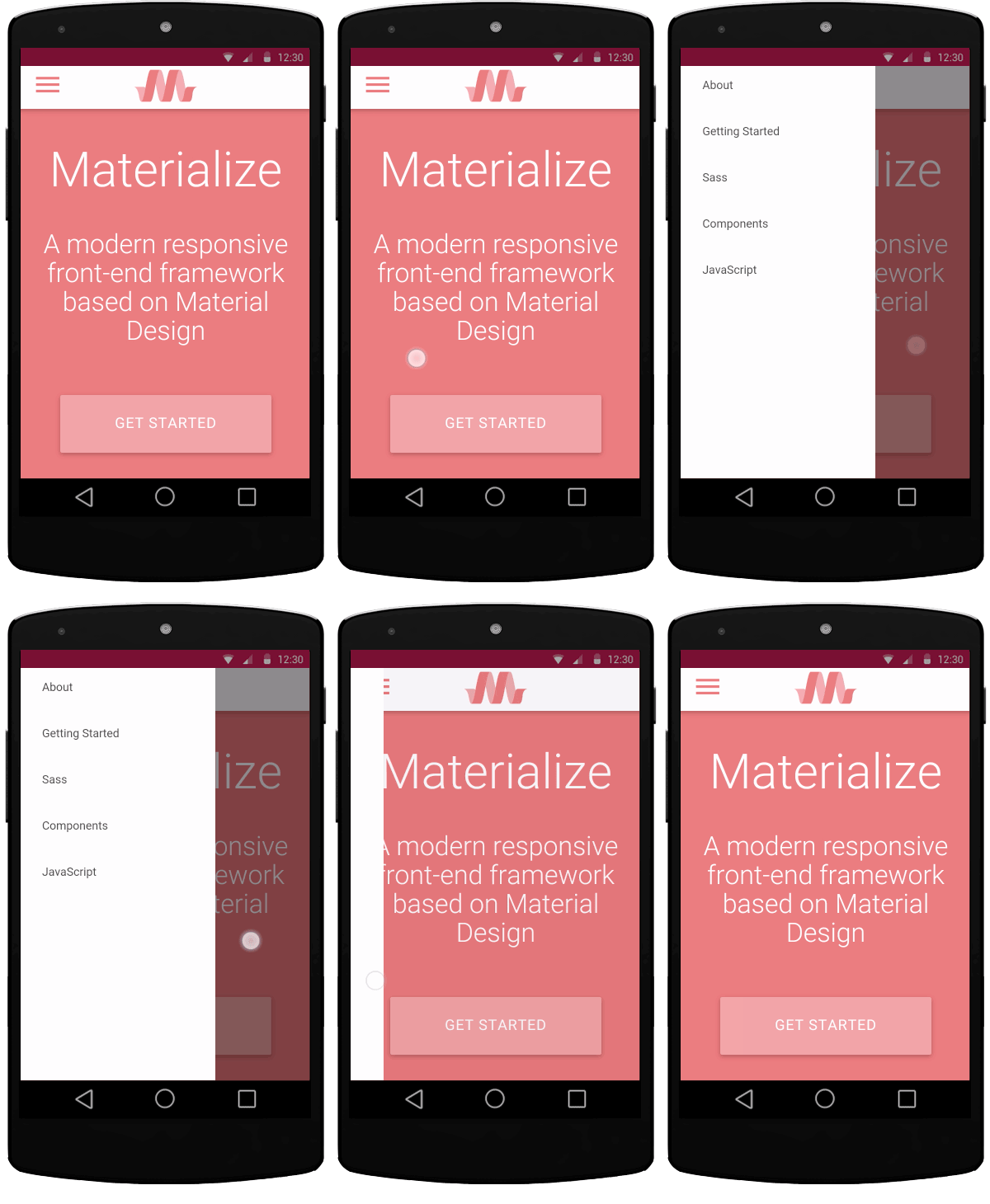
Material design is taking over the UI/UX by storm these days so I also decided to give materializecss, a CSS framework, a try. I heard about this framework through my colleague and it did surprised me with its tons of cool effects.

So for my app, Fuitter, I added the framework using the materializecss gem because I was not able to make the fonts work by manually adding the links to files.(it was a bummer)

Materializecss have everything I needed for my app`s design, like the side nav bar, wave in the buttons and more. While the materializecss team is doing a great job with its framework, I am planning to not use it anymore in the future.

I wanted a select field for the TLD in the domain section and I rendered it  using rails form helper but after I refreshed my page the select field was not rendered, it was present in the DOM but it was hidden. I had to spend a good one hour before the Eureka moment hit me. The default select field in materializecss overrides the browser default property, so to render it I had to use javascript and that is not cool. So why the heck this is not cool? What if I had dynamically created select fields? Meteorjs renders view on the fly , so I would have to write tons of logic in each template to initialize the select every time the view loads.

<%= form_tag() do %>
    www.
    <%=  text_field_tag(:domain_name) %>
    <%= select_tag(:tld, options_for_select([['.com', '.com'], ['.org', '.org']])) %>
<% end %>

This will be hidden until you add some javascripts.
<script>

$(document).ready(function() {
    $('select').material_select();
});
</script>

So, the design of select functionality in materialize CSS is, in my opinion, a pretty good reason not to use it.


By the way, the wave effects in the buttons also has the same problem.

While materializecss provides a lot about all the 'effects' modern apps will demand I'm not sure those types of designs and concepts fit into large scale software just yet.

Sunday, October 4, 2015

Running rails app with Unicorn + Nginx


If you have come from PHP background , you will probably loose your nerve trying to get a simple hello world rails app to work with your server. Getting rails app to work with the server is a little different from any php apps where you just have to place your php app inside the /html folder(in my case).

My system has RVM, rails , ruby, nginx, postgres.

First we need to install unicorn. Unicorn is an application server. Since unicorn cant not be accessed by users directly, we will use Nginx as a reverse proxy.

Navigate to your project directory and open your Gemfile and add gem 'unicorn' gem. Then run bundle install.
Now we need to configure it.

Inside your config directory add unicorn.rb file.

unicorn.rb

# set path to application
app_dir = File.expand_path('./')
shared_dir = "#{app_dir}/tmp"
working_directory app_dir


# Set unicorn options
worker_processes 2
preload_app true
timeout 30

# Set up socket location
listen "#{shared_dir}/sockets/unicorn.sock", :backlog => 64

# Logging
stderr_path "#{shared_dir}/log/unicorn.stderr.log"
stdout_path "#{shared_dir}/log/unicorn.stdout.log"

# Set master PID location
pid "#{shared_dir}/pids/unicorn.pid"


Now lets create the required directories

mkdir -p tmp/log tmp/sockets tmp/pids 

Give those directories necessary read/write permission
Now we will create a init script that will load on boot.

sudo nano /etc/init.d/unicorn_appname
 
You can name appname whatever you want
unicorn_appname

#!/bin/sh

### BEGIN INIT INFO
# Provides:          unicorn
# Required-Start:    $all
# Required-Stop:     $all
# Default-Start:     2 3 4 5
# Default-Stop:      0 1 6
# Short-Description: starts the unicorn app server
# Description:       starts unicorn using start-stop-daemon
### END INIT INFO

set -e

USAGE="Usage: $0 <start|stop|restart|upgrade|rotate|force-stop>"

# app settings
USER="sushant"
APP_NAME="appname"
APP_ROOT="/usr/share/nginx/html/app" #in my case
ENV="development"

# environment settings
PATH="/home/$USER/.rvm/shims:/home/$USER/.rvm/bin:$PATH"
CMD="cd $APP_ROOT && bundle exec unicorn -c config/unicorn.rb -E $ENV -D"
PID="$APP_ROOT/shared/pids/unicorn.pid"
OLD_PID="$PID.oldbin"

# make sure the app exists
cd $APP_ROOT || exit 1

sig () {
  test -s "$PID" && kill -$1 `cat $PID`
}

oldsig () {
  test -s $OLD_PID && kill -$1 `cat $OLD_PID`
}

case $1 in
  start)
    sig 0 && echo >&2 "Already running" && exit 0
    echo "Starting $APP_NAME"
    su - $USER -c "$CMD"
    ;;
  stop)
    echo "Stopping $APP_NAME"
    sig QUIT && exit 0
    echo >&2 "Not running"
    ;;
  force-stop)
    echo "Force stopping $APP_NAME"
    sig TERM && exit 0
    echo >&2 "Not running"
    ;;
  restart|reload|upgrade)
    sig USR2 && echo "reloaded $APP_NAME" && exit 0
    echo >&2 "Couldn't reload, starting '$CMD' instead"
    $CMD
    ;;
  rotate)
    sig USR1 && echo rotated logs OK && exit 0
    echo >&2 "Couldn't rotate logs" && exit 1
    ;;
  *)
    echo >&2 $USAGE
    exit 1
    ;;
esac


Update the scripts permission and enable unicorn to boot on start

sudo chmod 755 /etc/init.d/unicorn_appname
sudo update-rc.d unicorn_appname defaults
 
Now open

sudo nano /etc/nginx/sites-available/default
 
default

upstream app {
    # Path to Unicorn SOCK file, as defined previously
    server unix:/usr/share/nginx/html/app/tmp/sockets/unicorn.sock fail_timeout=0; #in my case
}

server {
    listen 80;
    server_name example.com;

    root /usr/share/nginx/html/app/public; #in my case

    try_files $uri/index.html $uri @app;

    location @app {
        proxy_pass http://app;
        proxy_set_header X-Forwarded-For $proxy_add_x_forwarded_for;
        proxy_set_header Host $http_host;
        proxy_redirect off;
    }

    error_page 500 502 503 504 /500.html;
    client_max_body_size 4G;
    keepalive_timeout 10;
}
  

Open your hosts file and add
127.0.0.1       example.com
then
sudo service unicorn_appname restart
sudo service nginx restart  If you browse to example.com your app should be running